Practical Typography Guide for UX Designers
Typography is a key aspect of UI design, that defines hierarchy and ensures readability.
Enjoy, best practices and templates to improve your typography skills.
Typography resources:
1. User interface typography [Free Book]
2. Figma typography styles [Template]
3. Best free fonts for modern UI
4. Typography Glossary by Google
5. Perfect Typography Scale [Blueprint]… Read the rest
Month: March 2026
Claude + UX design
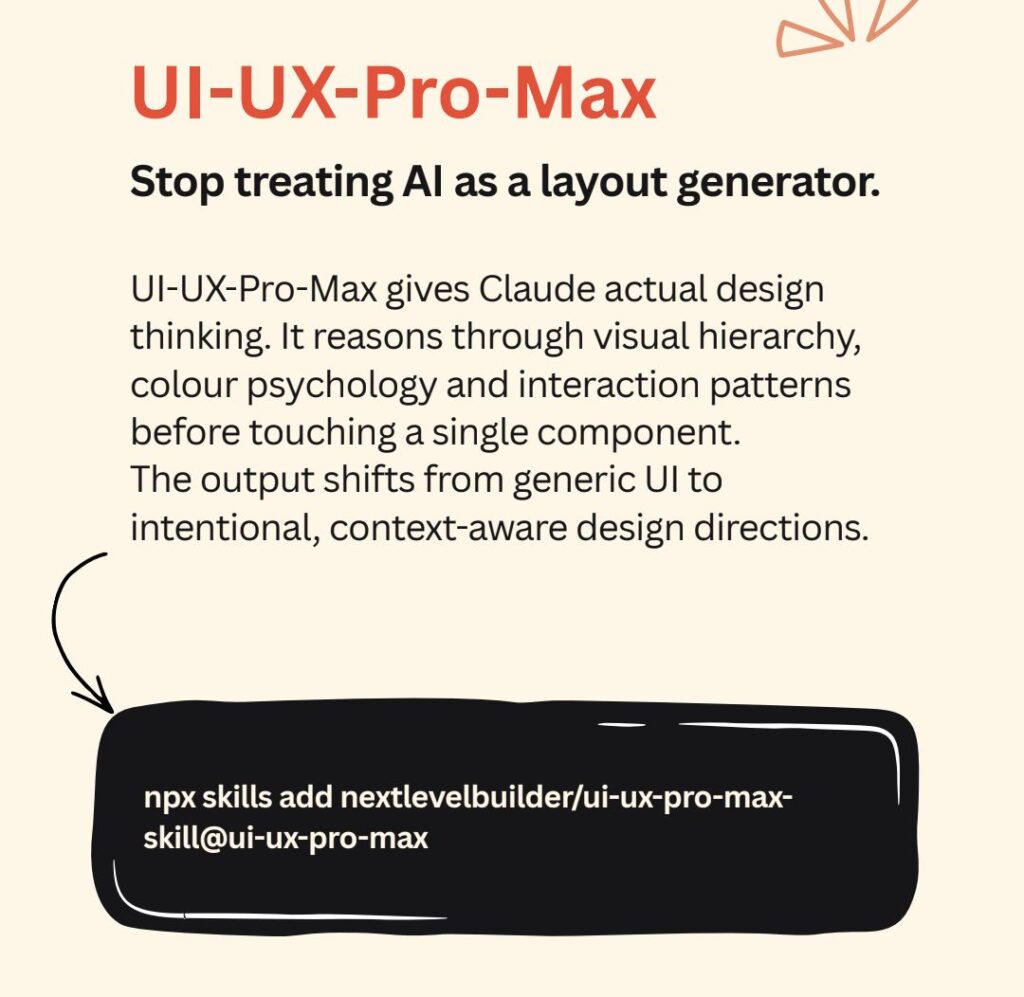
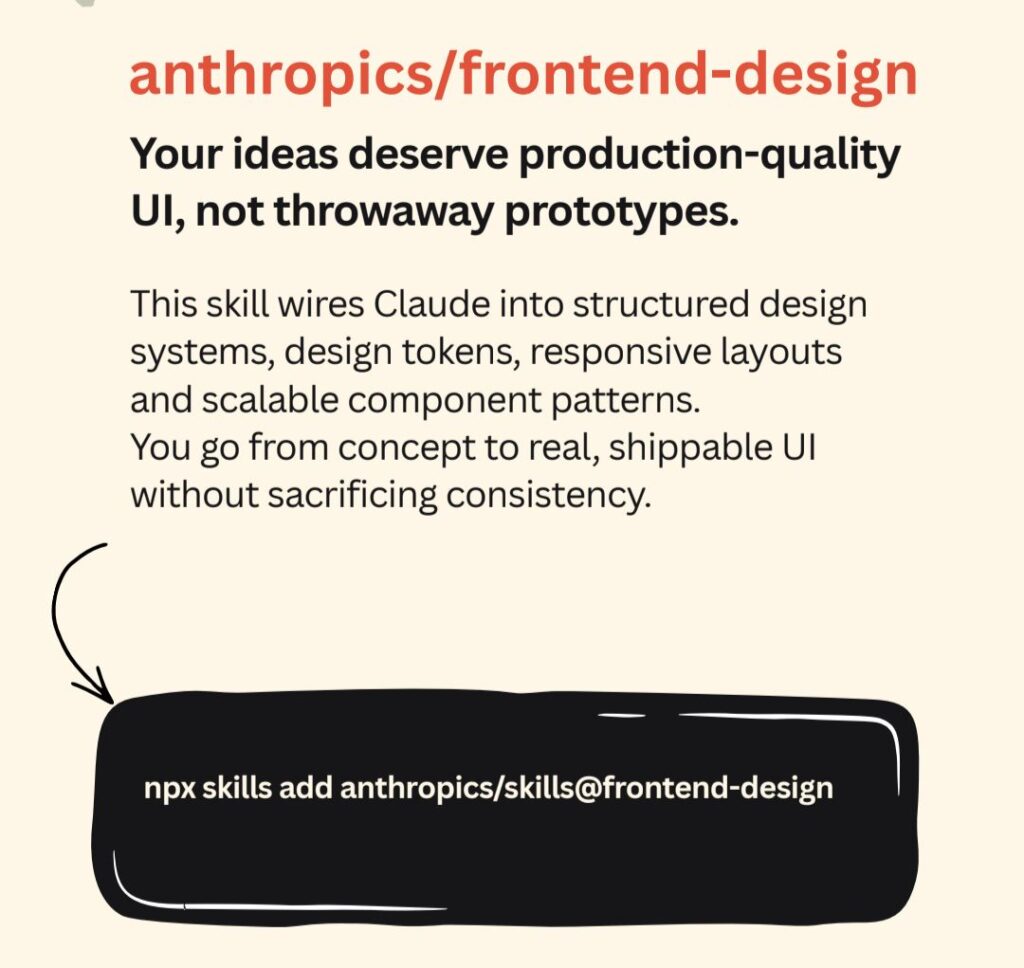
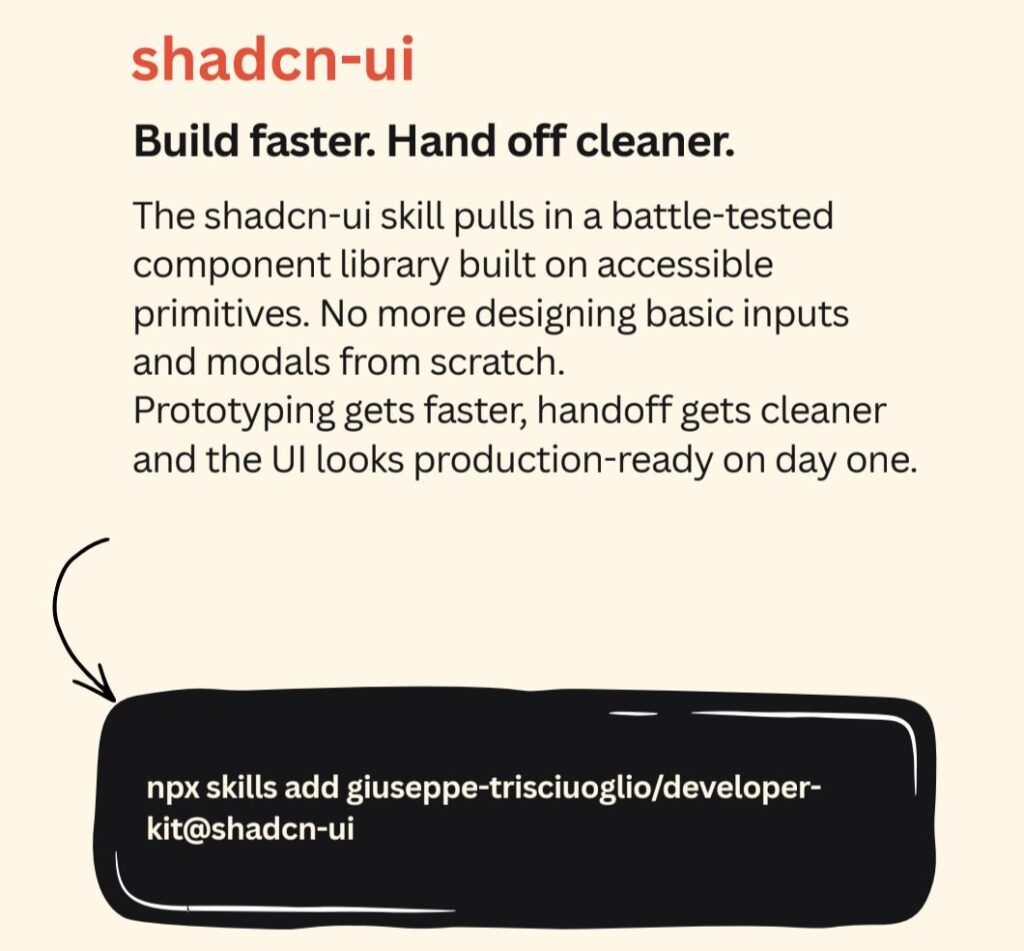
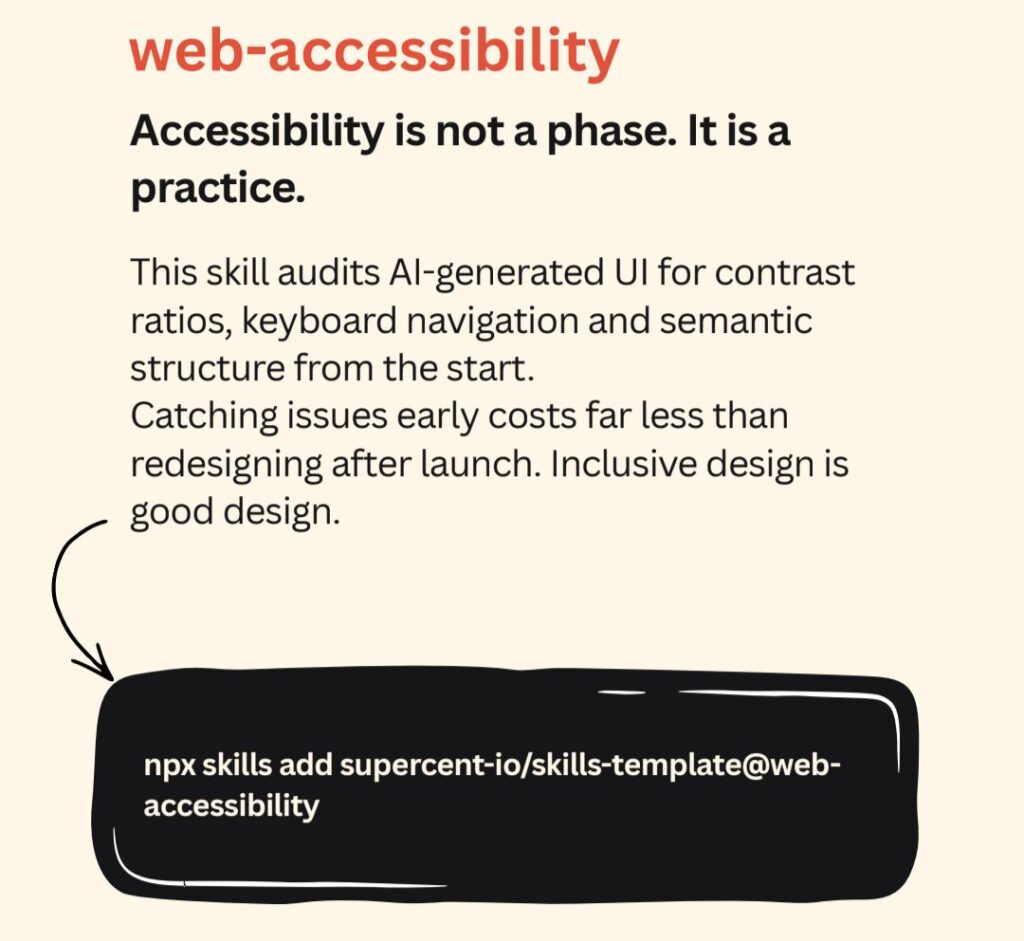
I kept getting generic UI from Claude.
Same layouts. Same component choices. No real design thinking.
Then I started adding these skills to my workflow. The output shifted completely.
Here are the 5 AI uses for rhe AI Product Design.
.
.
.
.
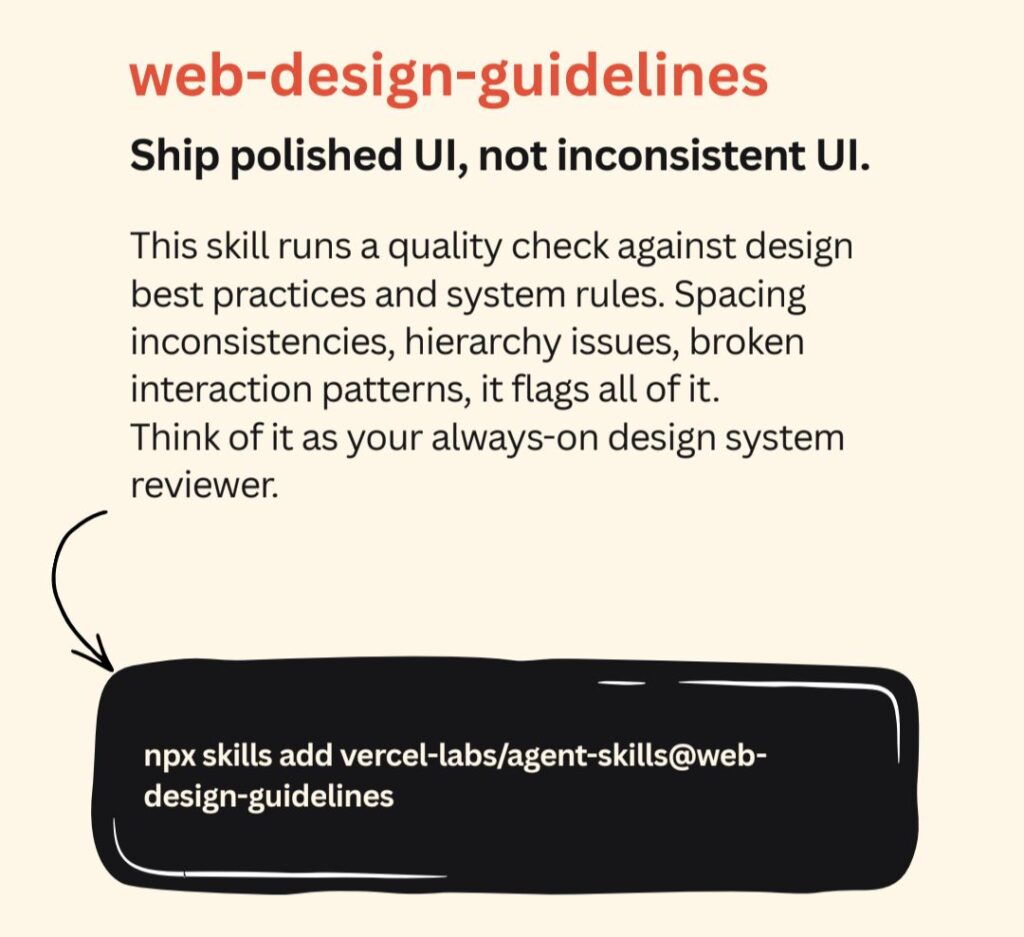
Summary:
Must-Have UX/UI Design Skills for Claude Code
If you’re using Claude Code for UX/UI design … Read the rest
AI in Design
Interesting observations:
AI has not changed the importance of design. It has simply raised the bar on execution, speed, and precision.
The differentiator is no longer access to tools, but the ability to use them with intention.
AI amplifies what designers do best. Automation handles the routine, humans shape the experience. That’s where real UX evolution happens.
Those who combine … Read the rest
AI Enhances UX Research
AI is reshaping UX research by handling the repetitive work. It can summarize, organize, and spark ideas… but researchers bring judgment, context, and direction. The real value is freeing teams to think deeper and decide better, not just move faster.
Here’s a short step-by-step approach she shares:
1. Feed
Gather your research inputs: discussion guides, transcripts, screenshots, and links. These … Read the rest
Using Claude AI in the design
The power of Claude is impressive. It’s amazing how quickly it can help structure ideas, summarize research, and support early design thinking. The key is knowing how to guide it.
Here’s how to use Claude in the design workflow
1. IN FIGMA — Design to Code (officially)
Figma just launched a native integration with Claude Code.
You build in Figma. … Read the rest